Edit login of users

Contents
To assign login to groups or users
1.Run EdAdmin4 and then, under Security, click Users and groups. This shows the Security Management listing.
2.Select a user or group, and then on the Action menu, click Edit.
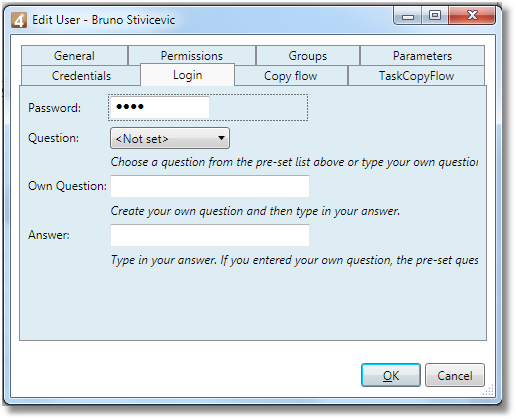
3.Click the Login tab.
4.Enter the password for the user, and then - optionally - select or enter a question /answer to recover a forgotten password.
Note
Users without passwords would not be able to log on.
See also
•This tab appears only when creating/editing a user.
•Set user password and recovery methods.